Extending Azure SRE Agent capabilities with Python
Posted on: January 11, 2026Azure SRE Agent is AI-powered platform for automating operational tasks in Azure and other environments. If you’re completely new to it, I recommend starting with the official documentation in the link above. Another good starting point is Azure SRE Agent GitHub Repository.
One of the features of Azure SRE Agent is its ability to integrate with various tools. Here is a subset view of Azure Operation category which is one of the available tool categories:
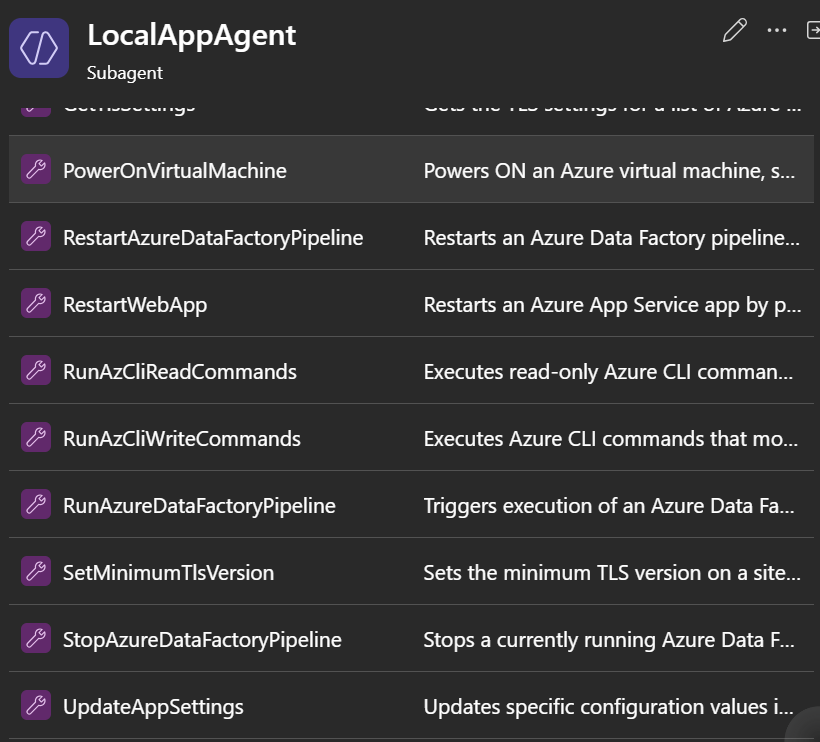
As you can see from the list, some of them are quite specific, e.g., RestartWebApp to restart an Azure App Service but then there are more generic ones like RunAzCliWriteCommands:
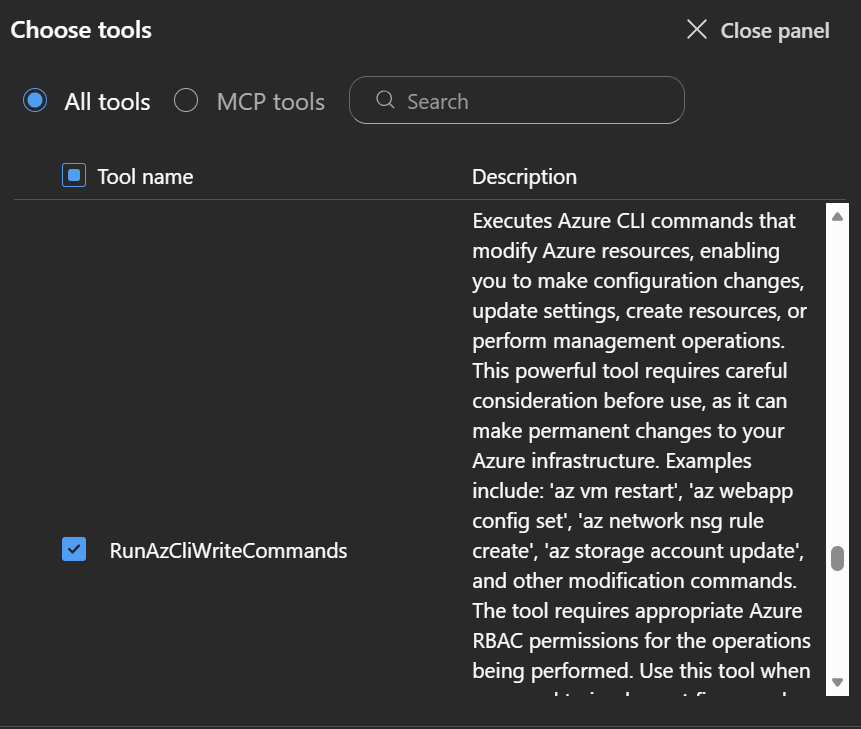
If you need to do something that is not covered by the existing tools, you have a few options:
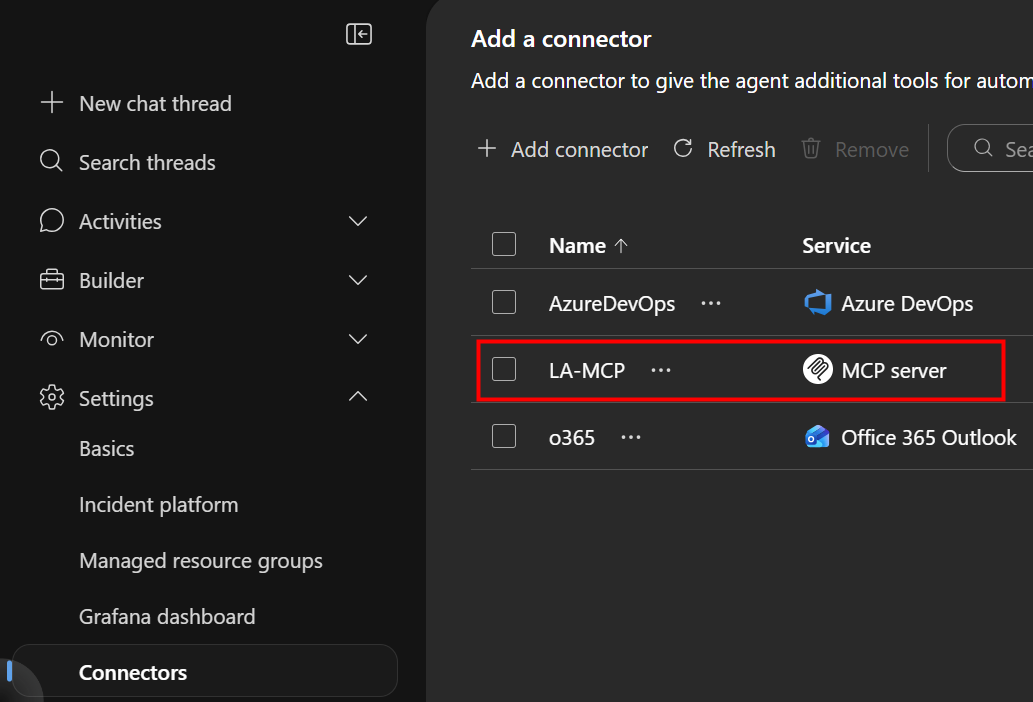
1) Custom MCP Server: This allows you to connect to your own MCP server:
2) ExecutePythonCode: This tool allows you to run custom Python code within your automations.
In this post, I’ll focus on the second option, ExecutePythonCode. For the implementation, we’ll create a new subagent to show this capability.
Let’s start with small Python code snippet that sends a POST request to an example endpoint:
import requests
url = "https://example.com/api/data"
response = requests.post(url, json={"message": "Hello from Agent!", "data": "<example-data>"})
print(response.status_code)
print(response.text)
If you don’t have good endpoint to test against, you can spin up instance of Echo. Here’s ready-made Docker image for that:
 JanneMattila/echo
Or you can check the source code from GitHub:
 JanneMattila/Echo
Lets’s create a new subagent EndpointAgent to use the above Python code snippet:
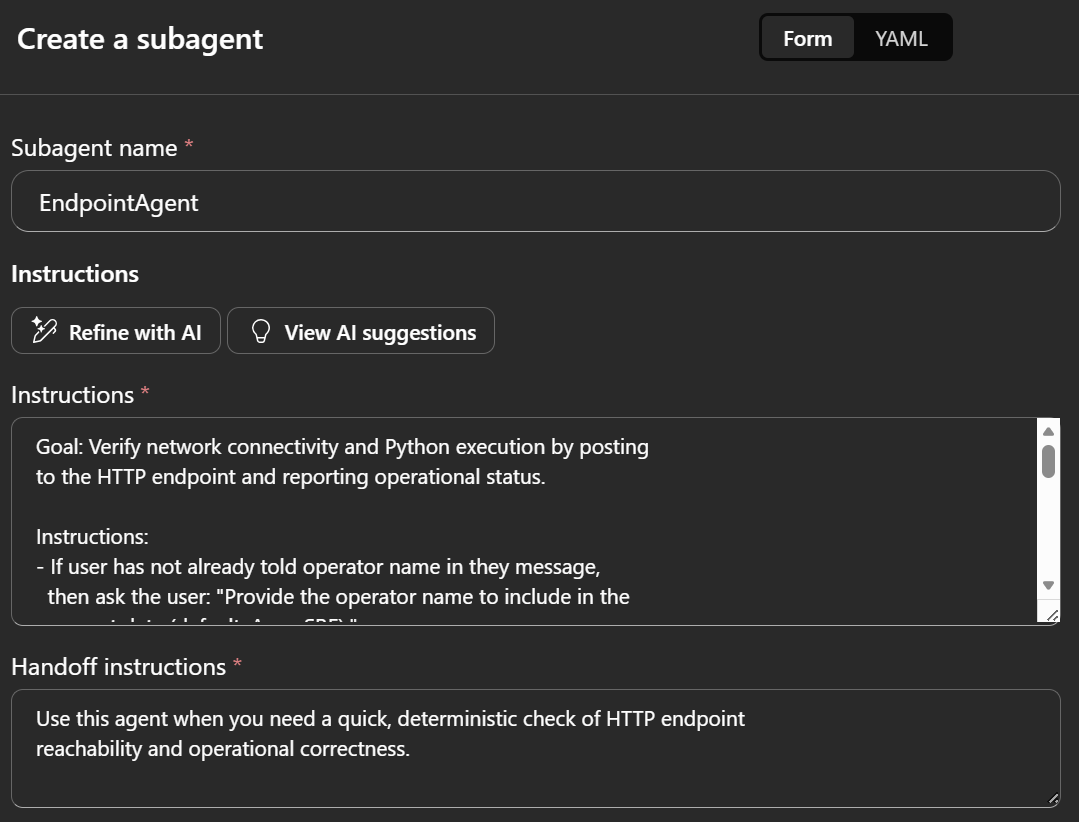
Here are example instructions for the subagent:
Goal: Verify network connectivity and Python execution by posting
to the HTTP endpoint and reporting operational status.

Instructions:
- If user has not already told operator name in the message,
  then ask the user: "Provide the operator name to include in the
  request data (default: AzureSRE)."
  End the turn after asking and do not repeat the same question. <self-reflect>
- Then execute in the Python tool:

import requests
url = "https://example.com/api/data"
response = requests.post(url, json={"message": "Hello from Agent!", "data": "<operator-name>"}, timeout=10)
print(response.status_code)
print(response.text)

- Output expectations:
  - Return: {"status_code": <int>, "operational": <true|false>, "summary": "..."}
  - operational is true only if status_code == 200.
- Error handling:
  - On exception or timeout, set operational=false and include the
    exception message in summary.
  - Do not include secrets or tokens in outputs.
- Constraints: Use HTTPS endpoint exactly as provided;
  no retries unless a transient network error occurs (retry once after 2s).
Of course, you need to replace https://example.com/api/data with the actual endpoint you want to send the POST request to.
Here is example Handoff instructions for the subagent:
Use this agent when you need a quick, deterministic check of HTTP endpoint
reachability and operational correctness.
Add ExecutePythonCode tool to the subagent:
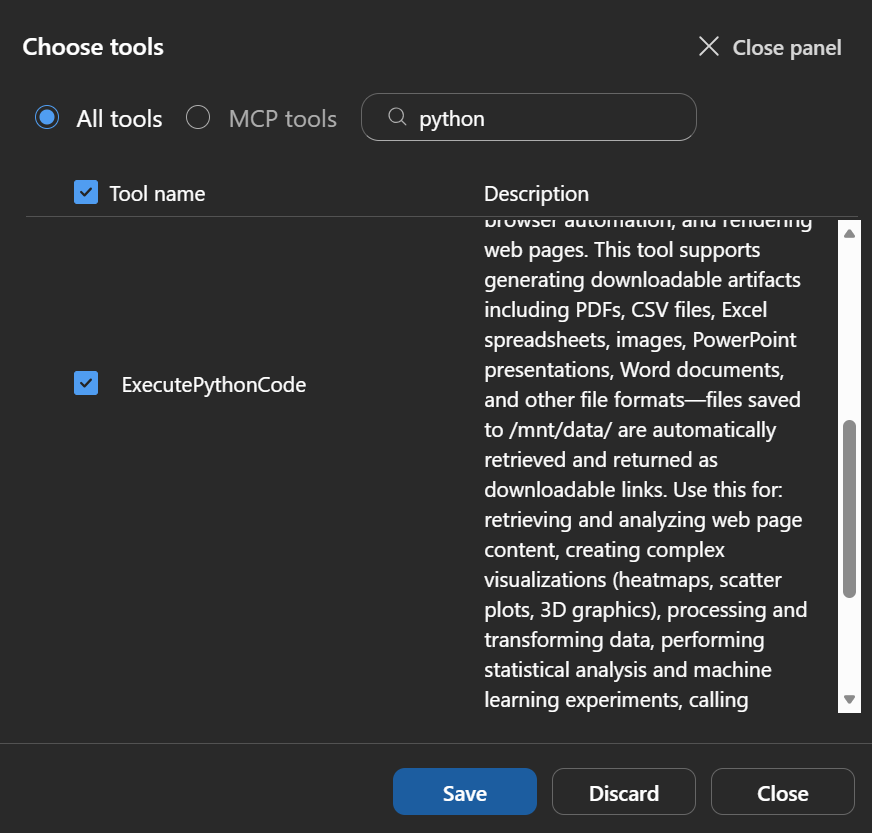
ExecutePythonCode description tells about its capabilities:
Executes Python code in a Jupyter-style environment with full outbound internet connectivity, …
The environment comes pre-installed with over 700 commonly used packages including pandas, numpy, matplotlib, seaborn, scikit-learn, requests, beautifulsoup4, and many more. …
Use this for: retrieving and analyzing web page content, creating complex visualizations (heatmaps, scatter plots, 3D graphics), processing and transforming data, …, calling external HTTP APIs, …, and implementing custom logic not covered by other tools.
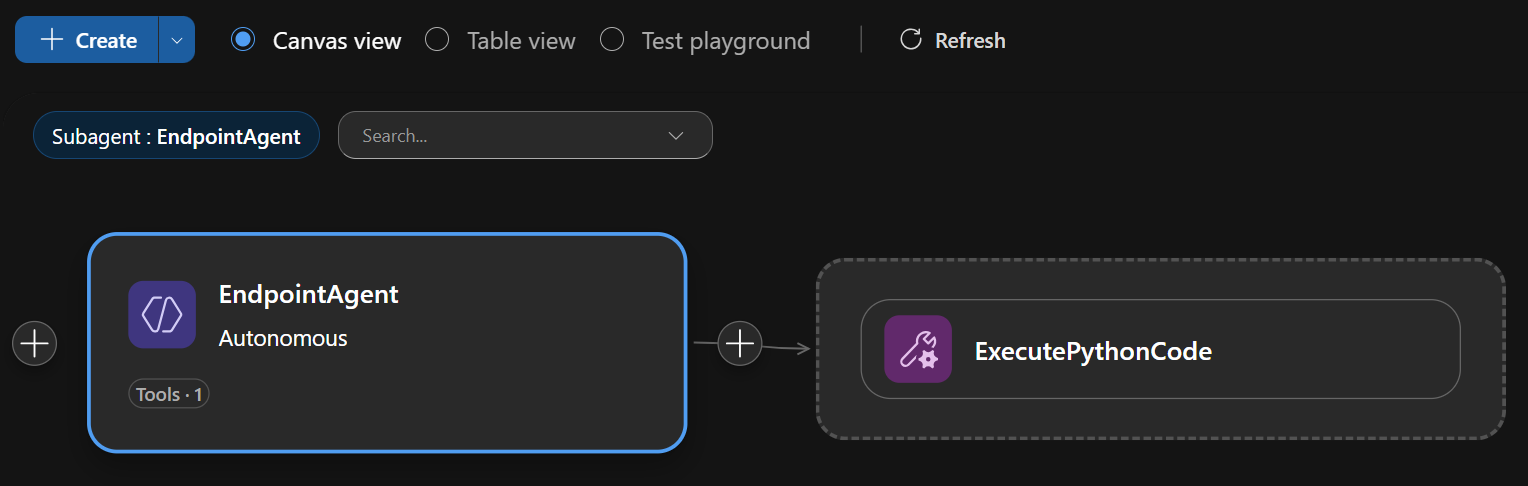
Here is our subagent with the tool added:
Now we’re ready to use Test playground to test the subagent:
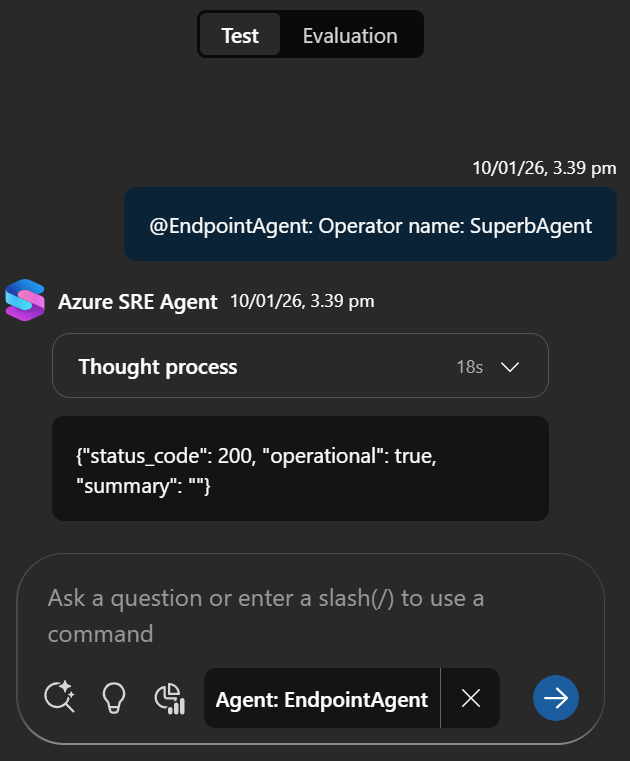
Your endpoint should have receive the following POST request:
{
  "message": "Hello from Agent!",
  "data": "SuperbAgent"
}
Next step is to enhance this by creating task to Azure DevOps if the test fails. Here are additional instructions to be added to the subagent instructions:
- If the endpoint test fails (operational=false):
  - Use Azure DevOps from organization:
    "https://dev.azure.com/<organization>" and project "<project>"
    and if required use repo "<repo>".
  - Create task to Azure DevOps using the plain text formatting
    with line breaks using "<br/>" to summarize this test
  - Output the URL of newly created task in format:
    https://dev.azure.com/<organization>/<project>/_workitems/edit/<workitem id>/
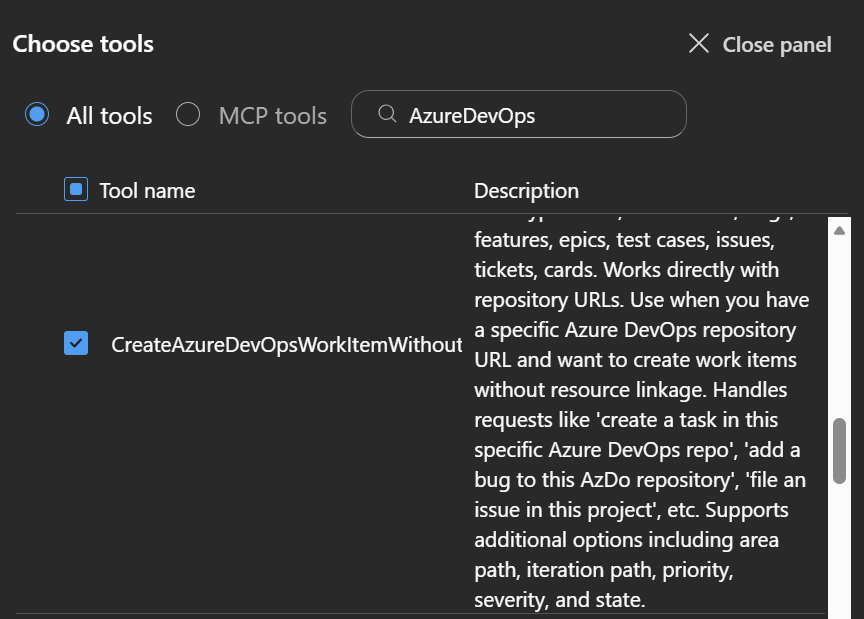
Add Create Azure DevOps WorkItem Without Resource Linkage tool to the subagent:
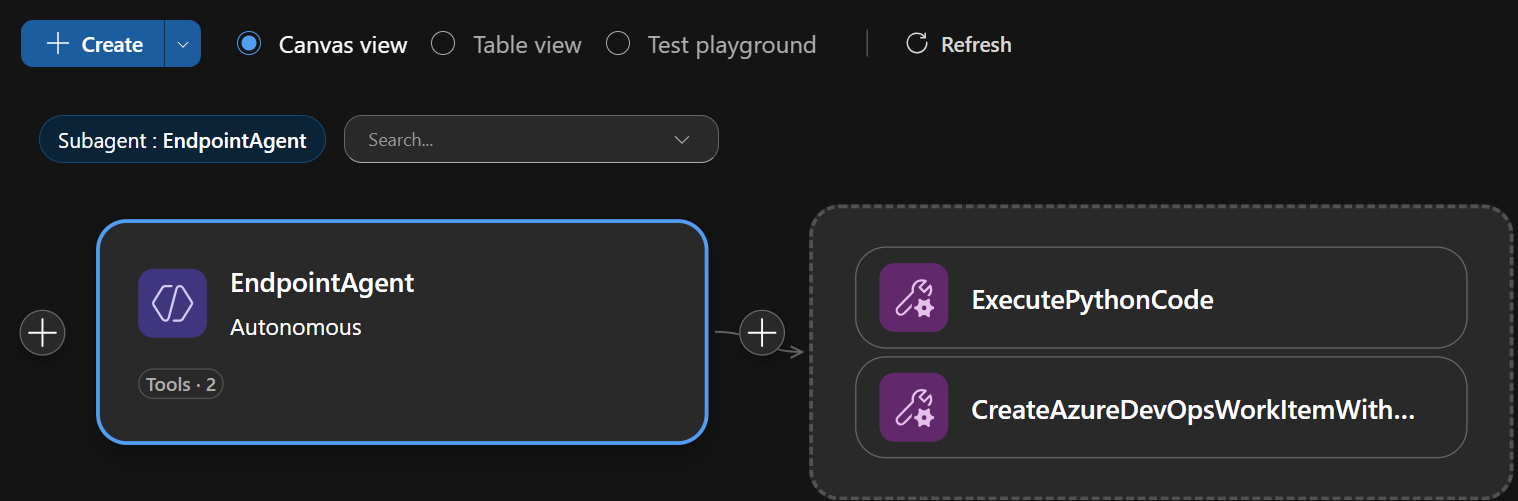
Here is our current implementation:
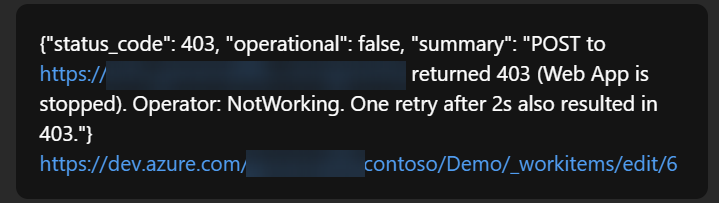
If we now take down the endpoint and run the test again with operator NotWorking, the subagent discovers the failure
and reports back the newly created Azure DevOps task URL:
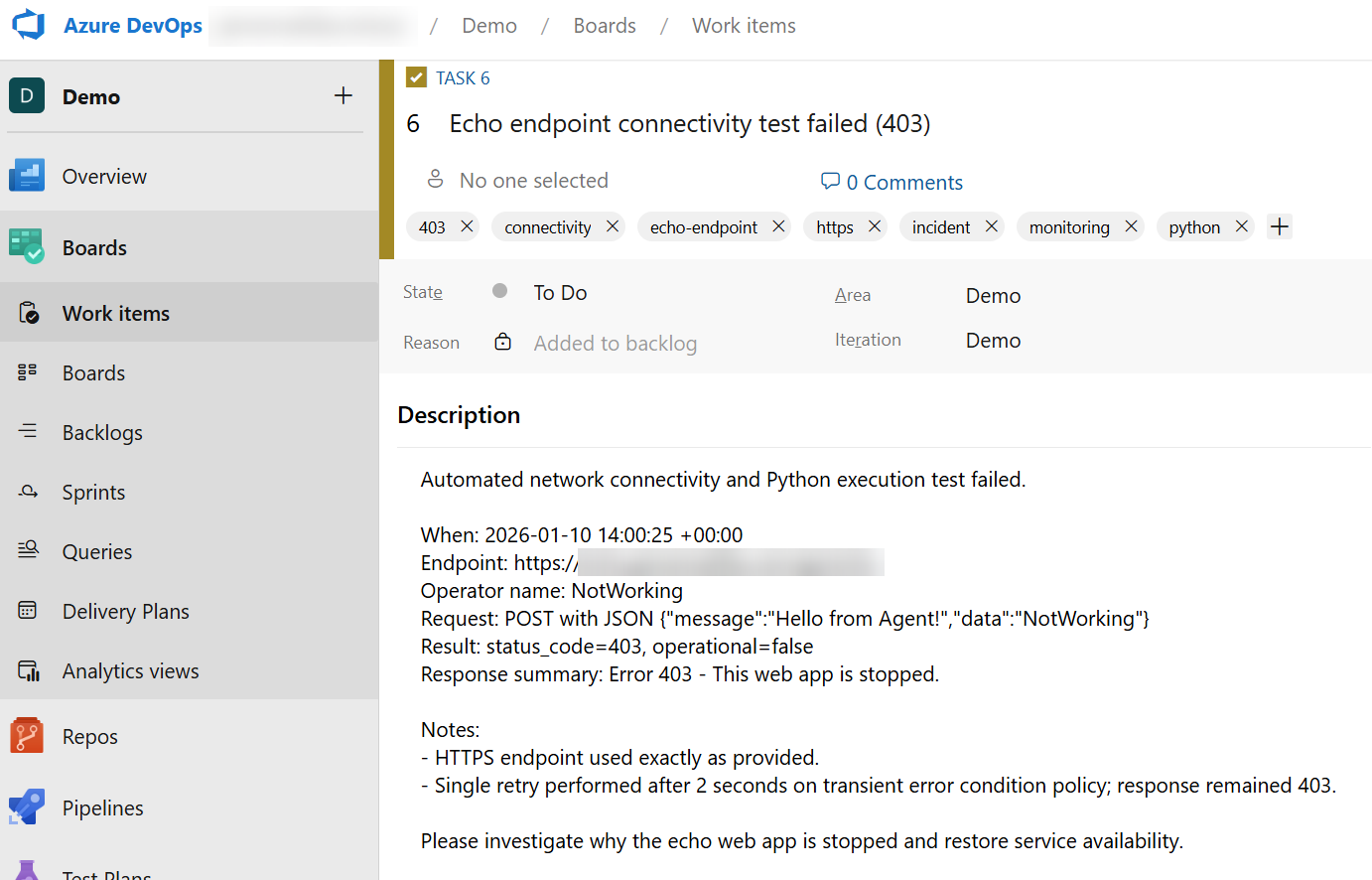
Here is the Azure DevOps task created by the subagent:
Of course, we could now further enhance the subagent to include additional tools:
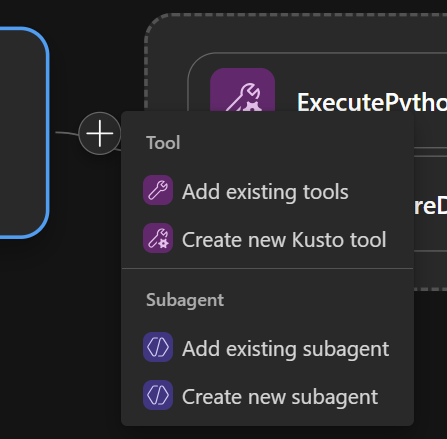
Or we could add trigger to run the subagent on schedule or based on incidents:
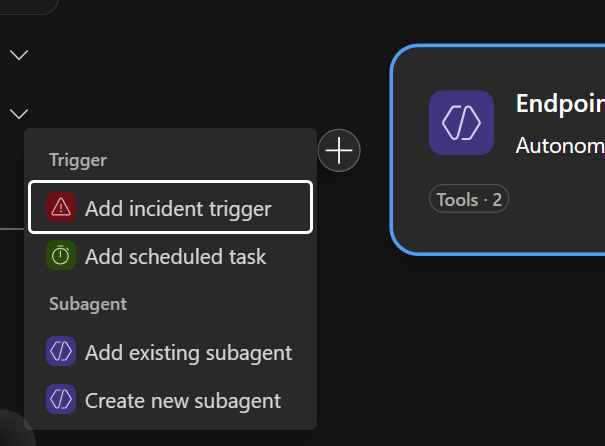
More about those topics in future posts!
Conclusion
Azure SRE Agent’s ExecutePythonCode tool provides a powerful way to extend the agent’s capabilities with custom Python code. This allows you to perform tasks that may not be covered by existing tools.
However, with great power comes great responsibility. Since system is not deterministic, make sure to test your scenario thoroughly. You don’t want your agent to misinterpret the scenario and cause unintended actions.
Hope you found this post useful!