Codecamp 2026 summary
Posted on: February 22, 2026This post continues the series of posting summary from our Codecamp. See my post from last year for context.
This year we expanded and enhanced Jarmo’s existing Unity functionality for creating stories that are dynamic and interactive.
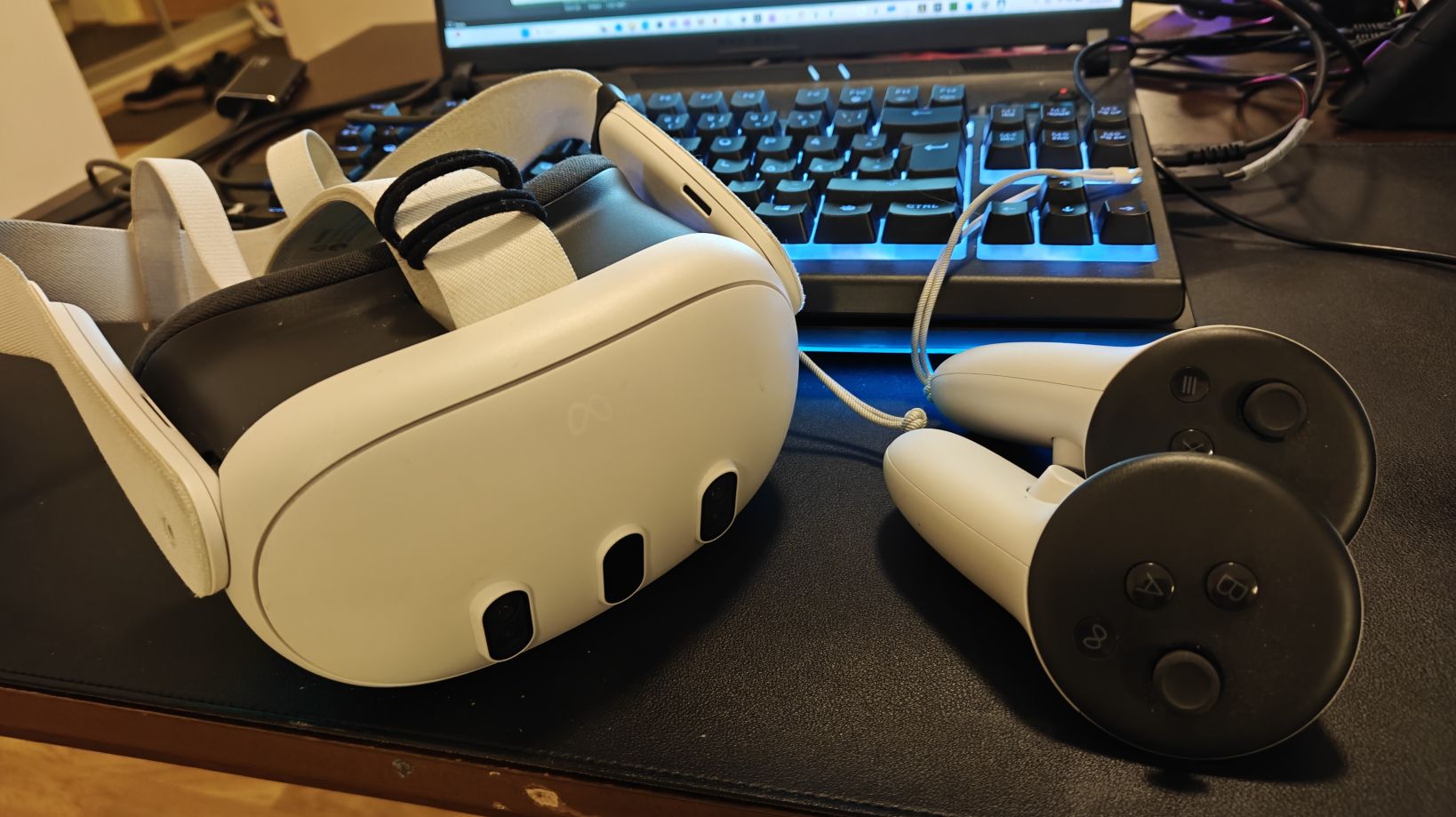
We used Meta Quest 3 devices during the Codecamp:
You can find summary video on Jarmo’s LinkedIn post.
Here is the latest updated video with Storyteller in Jarmo’s LinkedIn post.
We created different stories and characters to demonstrate the implemented functionalities. Here’s our characters (in the order of appearance in the video):
Codecamp Host:
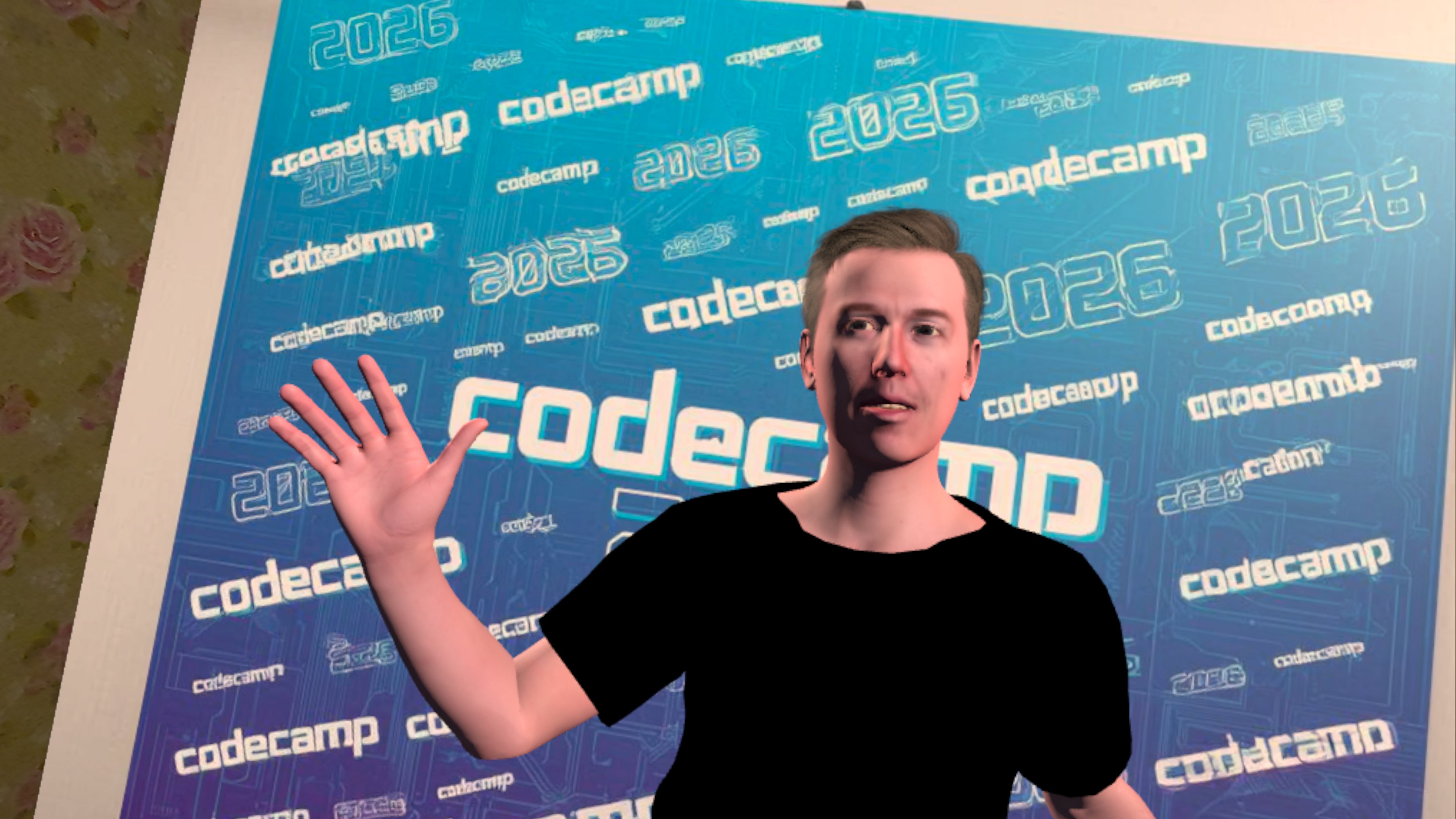
This might remind you of someone…
Doctor:
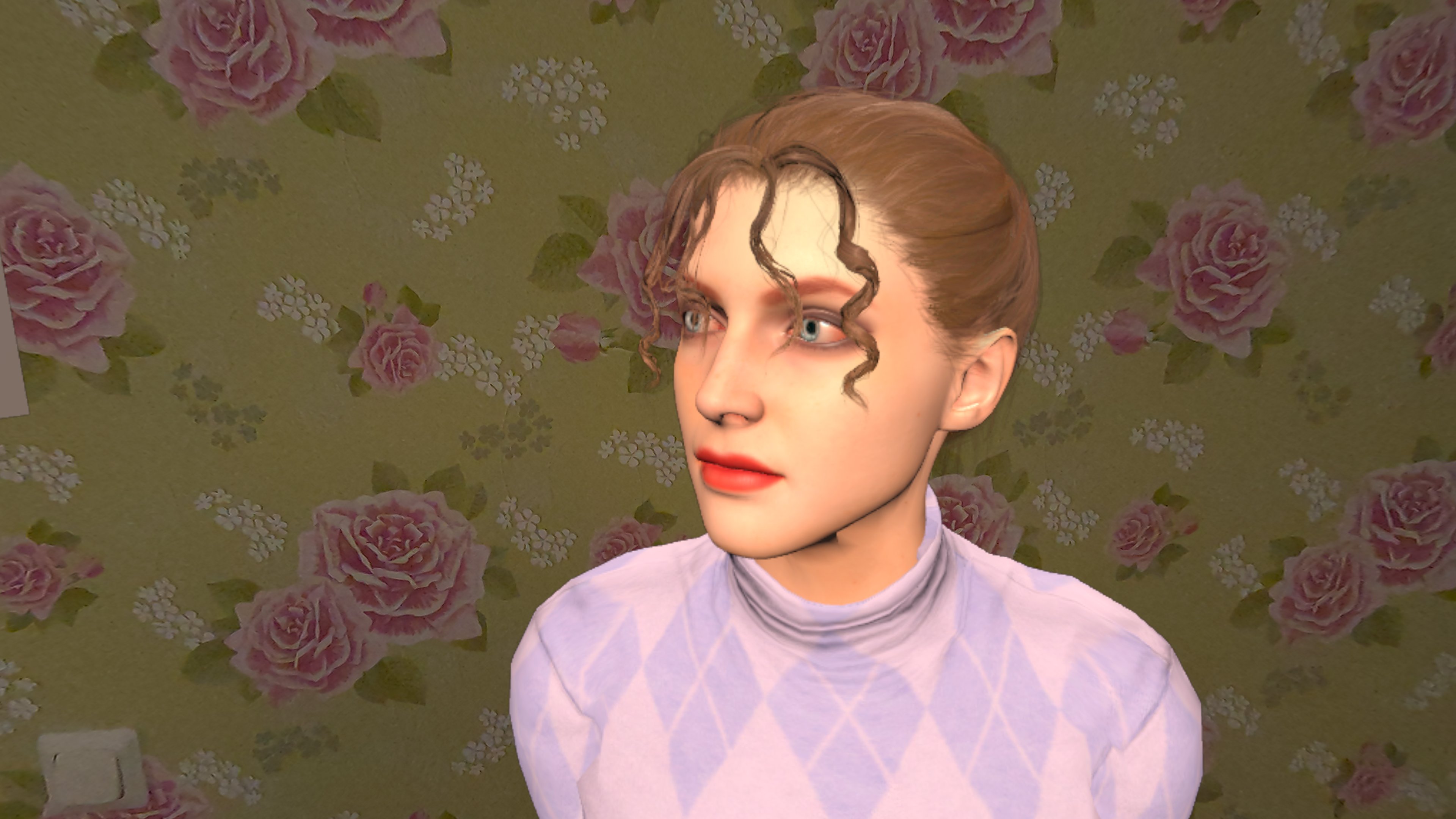
Angry neighbour:
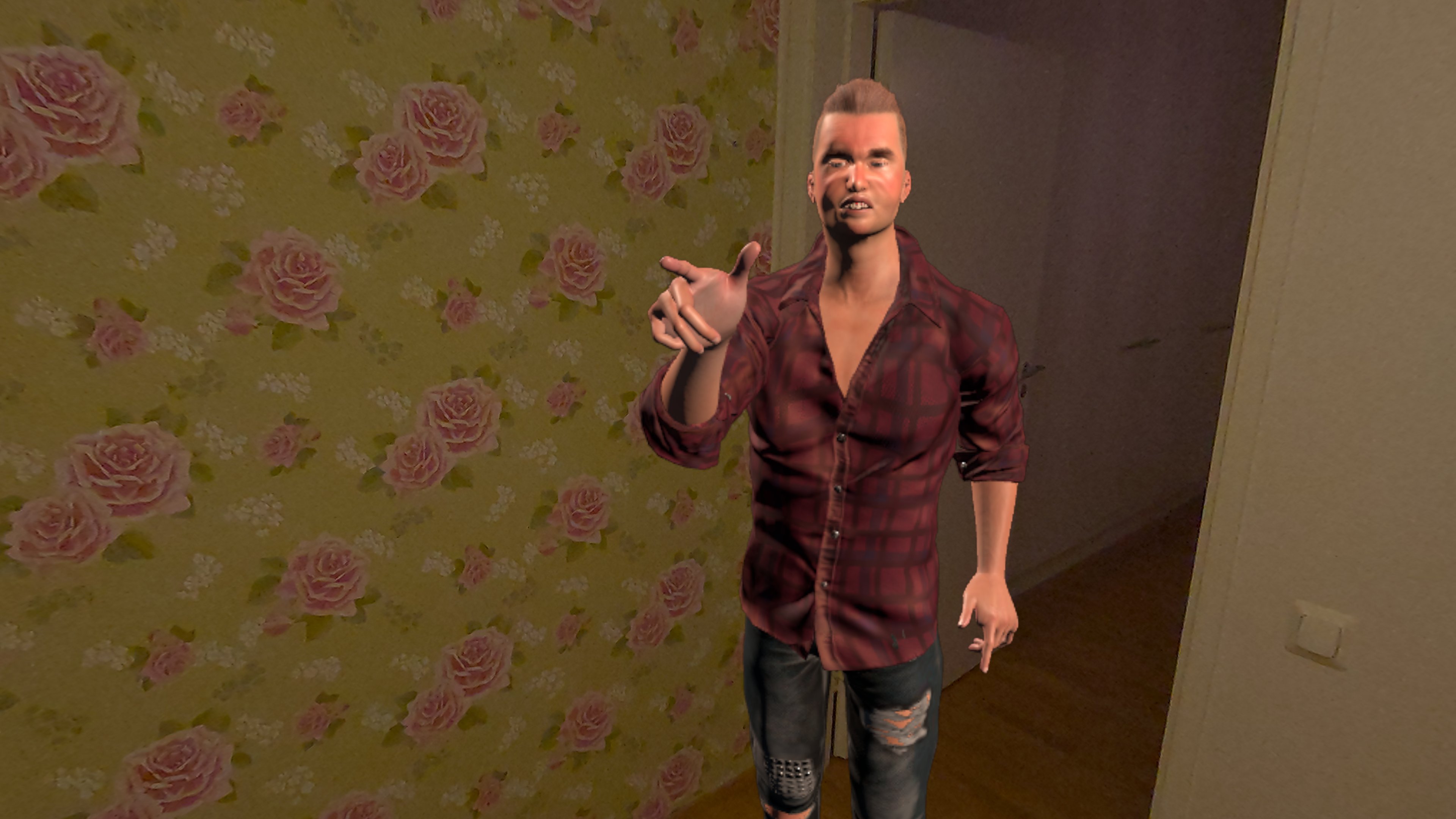
Tour guide:
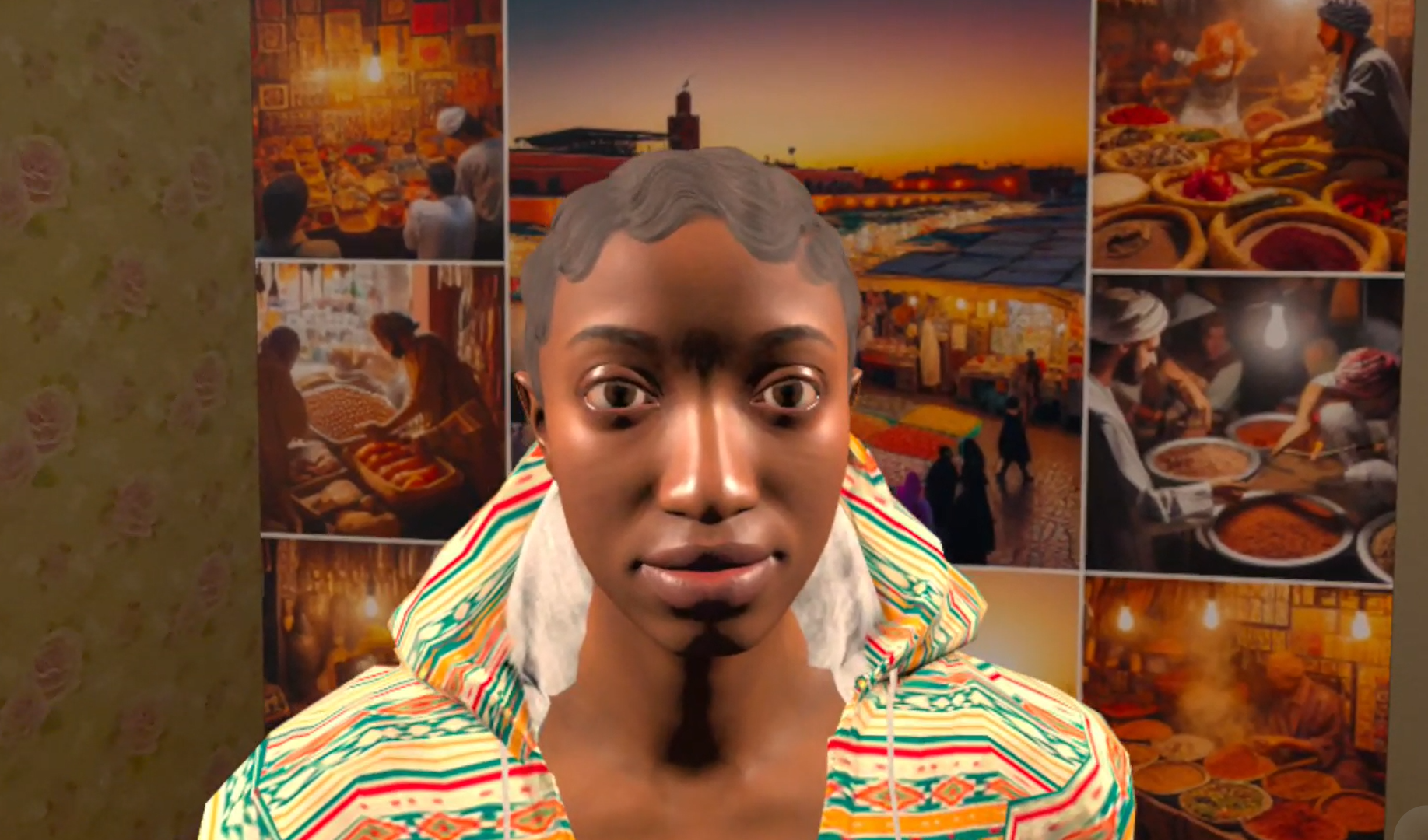
Storyteller:

Same avatar as the Tour guide since we ran out of time…
You can see the characters and the story better in the video linked above, so I won’t go into details about the story itself. Instead, now we’re focusing on the technical details of how we implemented the characters and the story.
Each character has the following features:
1) Unlimited number of idle and speak animations
When are idle animations used? When the character is not speaking, it will use idle animations to make it look more lively and engaging. For example, the character look around, scratch their head, or doing some other things to make it look more natural. You need to have quite many of them to make the character look more natural and less repetitive. If you only have e.g., 1 idle animation, the character will look very robotic and boring.
When are speak animations used? When the character is speaking, it will use speak animations to show more expressive and engaging dialogue. For example, the character can use hand gestures, facial expressions, or other animations to make the dialogue more interesting.
Animations are not using Unity’s animation system, but instead we are using motion capture data from Meta Quest 3.
2) Prompts defining their behavior and personality
Each character has a prompt that describes their characteristics, behavior, and personality. This creates very interesting dialogues since you never know in advance what the character will say and to which direction the story will go.
3) Scene content and events are created and maintained by configuration, not Unity editor
This means that we can create and modify the story and the scenes without having to touch Unity editor or code. We can use motion capture to record the animations, enhance them with finger tracking, add key frames etc. and then just add them to the configuration to be used by the characters.
Characters can have text associated to key frames in the configuration but they can also speak text generated by Azure OpenAI based on the prompt and the context of the story.
4) AI is used to generate the dialogue and image generation
No surprise here, but we are using AI for generating the dynamic dialogue and the images which support the story. It also means that story is different every time run it and you can impact the direction of the story.
Here’s a architecture diagram of the implemented solution:
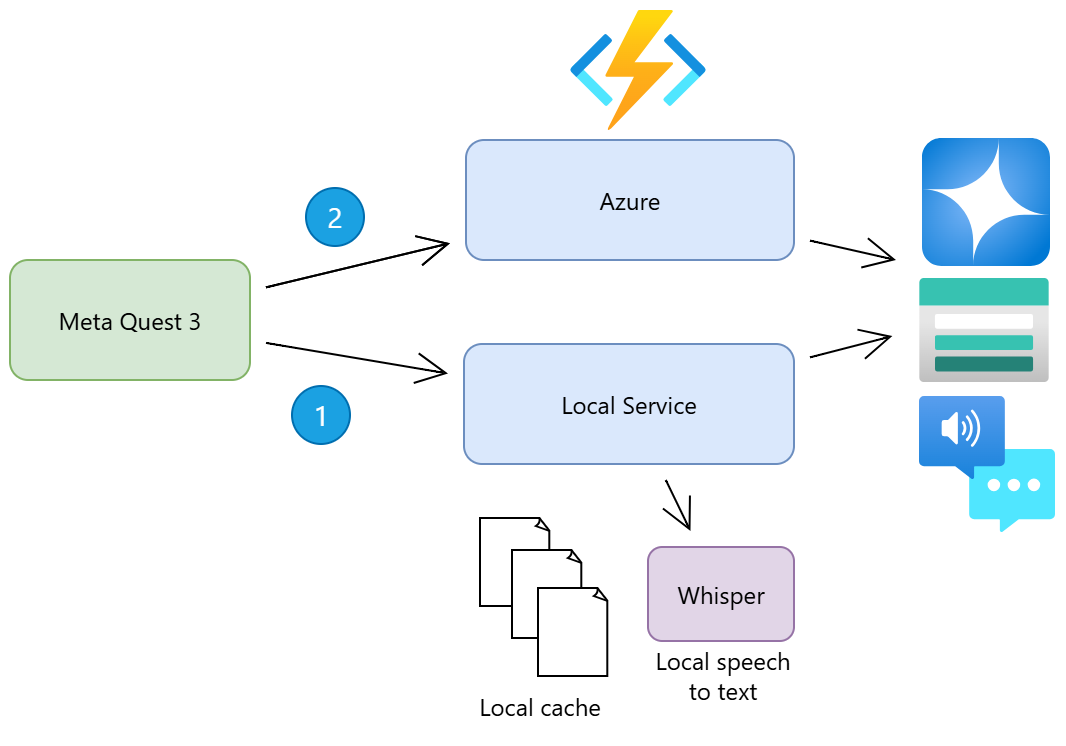
Since the Meta Quest 3 devices and Unity have some challenges with running complex .NET code in the Android environment and performance constraints, some of the processing is done outside the device. This enables very fast development by having only the necessary code running on the device itself.
Client can use local service endpoint (1) if that is available and if not,
it can use the Azure Function endpoint (2). All the needed Azure services are
behind these endpoints.
As always, during Codecamps, we take quick turns when ideas arise. This time in the Sunday morning, we came up with an idea to use Whisper.net in the local service for speech-to-text for faster processing of the voice commands and only submit the text to Azure OpenAI for generating the responses. This way we can process the voice commands locally and only send the text to Azure OpenAI when required.
Impact of this change can be seen in the Storyteller video since other videos were recorded before this change was implemented.
As always, we had a lot of fun at our Codecamp.
I hope you enjoyed reading about our experience!