My Advent of Code 2025 summary
Posted on: December 14, 2025This year I wanted to continue the tradition from last year and year before that and share my summary and some visualizations for Advent of Code 2025.
This year there was 12 days of puzzles compared to previous years 25 days.
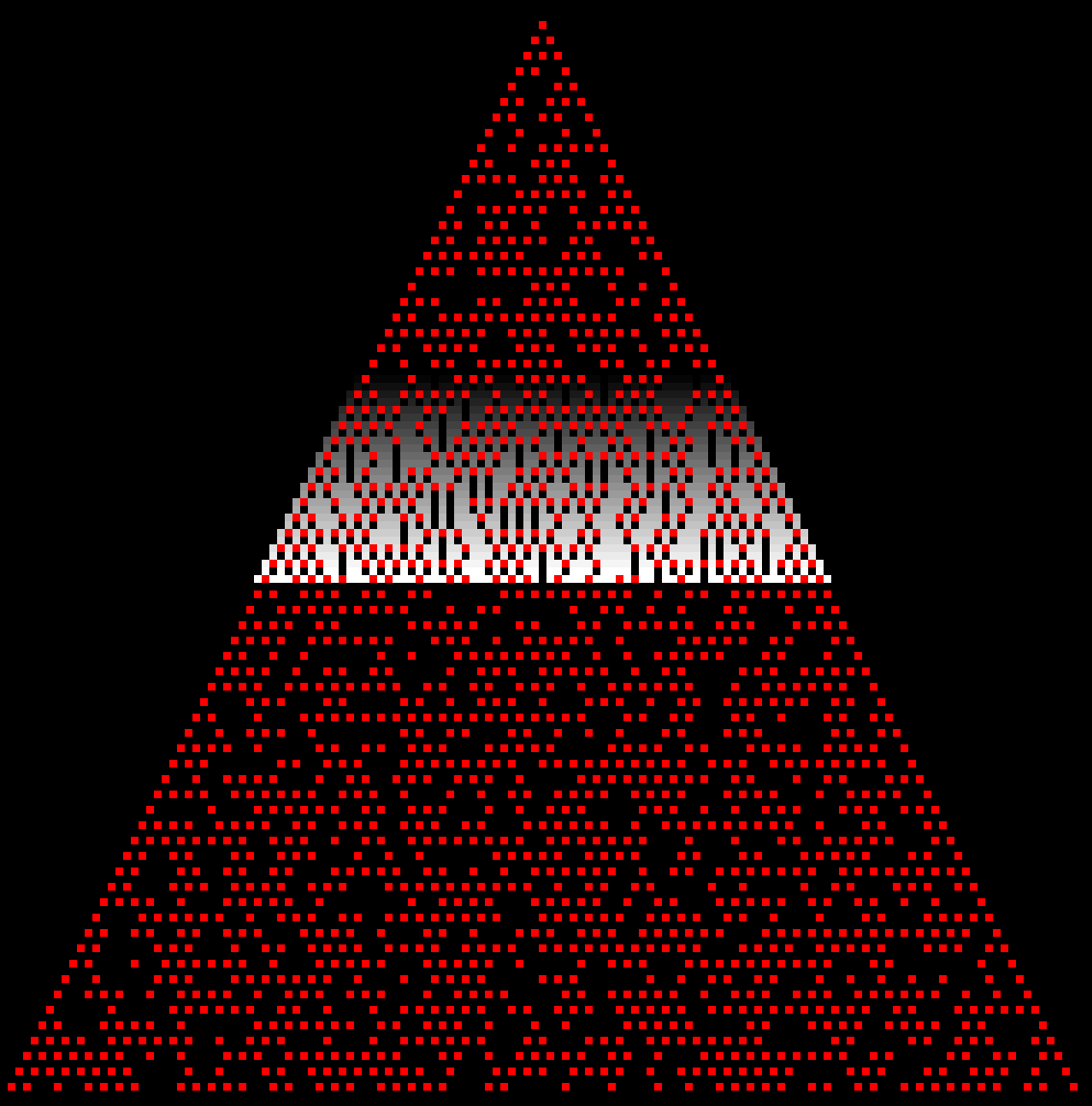
Day 7
Tachyon beams and splitters:
I don’t now why, but I really like these kinds of puzzles:
Day 10
I used Z3 which is a theorem prover from Microsoft Research. I immediately thought one puzzle from two years ago when I first used Z3 and it turned out to be useful again this year.
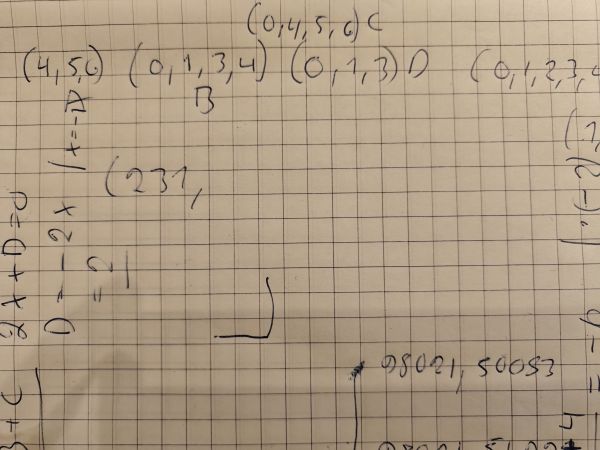
Idea was to create formulas for each voltage requirement with button presses as variables. Then I used Z3 optimizer to minimize the total button presses.
I first created these formulas on paper to validate the idea (yes it was awfully messy):
Here is the main code snippet of that solution:
var ctx = new Context();
var optimizer = ctx.MkOptimize();

List<int> resultButtonPresses = [];
List<IntExpr> buttonExpressions = [];
for (int button = 0; button < machine.ButtonList.Count; button++)
{
  var buttonExpr = ctx.MkIntConst($"button_{button}");
  buttonExpressions.Add(buttonExpr);
  optimizer.Add(buttonExpr >= 0);
}

for (int voltage = 0; voltage < machine.VoltageRequirements.Count; voltage++)
{
  ArithExpr left = ctx.MkInt(0);
  for (int button = 0; button < machine.ButtonList.Count; button++)
  {
    if (machine.ButtonList[button].Contains(voltage))
    {
      left = ctx.MkAdd(left, buttonExpressions[button]);
    }
  }

  var right = ctx.MkInt(machine.VoltageRequirements[voltage]);
  optimizer.Add(ctx.MkEq(left, right)); // A + B + ... = requiredVoltage
}

ArithExpr totalPresses = ctx.MkInt(0);
foreach (var buttonExpr in buttonExpressions)
{
  totalPresses = ctx.MkAdd(totalPresses, buttonExpr);
}
optimizer.MkMinimize(totalPresses);

optimizer.Check();
var model = optimizer.Model;

List<Expr> results = [];
for (int button = 0; button < machine.ButtonList.Count; button++)
{
  var expr = model.Eval(buttonExpressions[button]);
  results.Add(expr);
}

for (int button = 0; button < machine.ButtonList.Count; button++)
{
  var text = results[button].ToString();
  resultButtonPresses.Add(int.Parse(text));
}

return resultButtonPresses.Sum();
Day 11
Time for Mermaid diagrams (see previous years for background)!
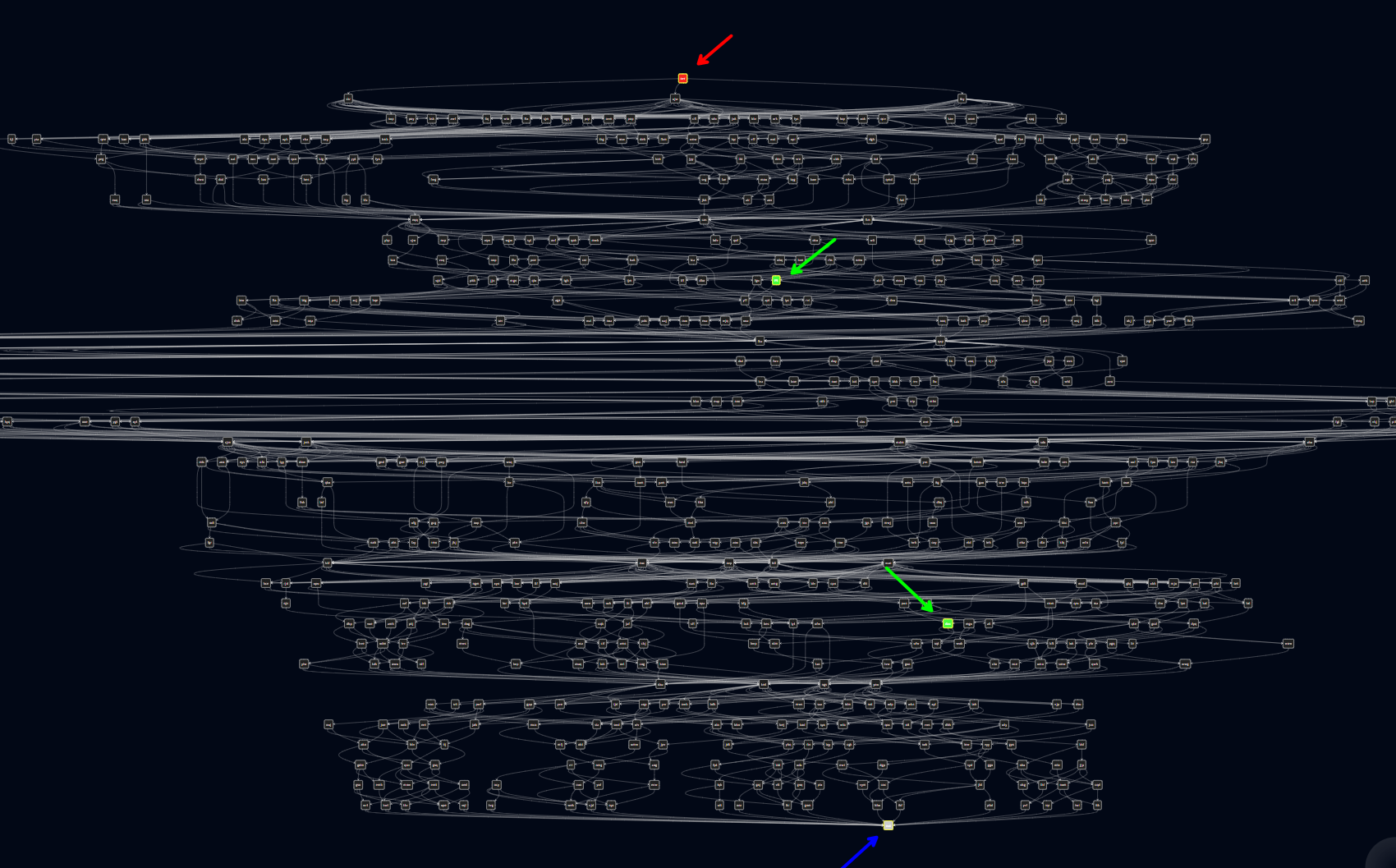
As you can see from the diagram, it is a humangous map! I’ve highlighted with red arrow the starting point, with green arrows the intermediate points and with blue arrow the end point.
Unfortunately, when I was building my solution I stumbled a bit and took extra time to finally solve this puzzle. The key, of course, was to use path from start to first intermediate point, then from there to second intermediate point and finally to the end point.
Day 12
Day 12 really got me. I struggled a lot and really tried to find way to solve it. With example input it was easy to find the solution and I created ways to validate the solution visually:
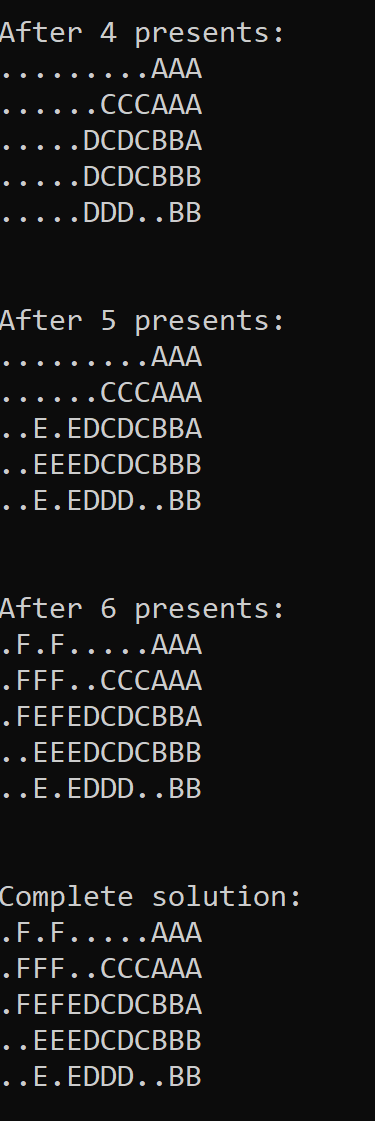
But the real input was so much bigger than I couldn’t figure out how to solve it. I finally gave up and peeked at the r/adventofcode and 2025 Day 12 Solutions megathread.
And yes, immediately I understood that the good old trick to confuse puzzle solver like me really did it job well:
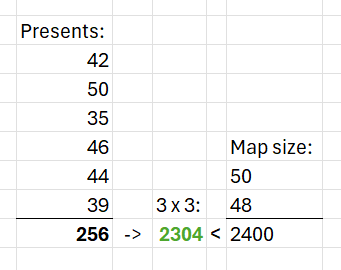
Here is my visualization of the solution (but I had to add a bit more variance in presents to show cooler visualization):
Community visualizations
My visualizations don’t compare to some of the amazing visualizations created by the community:
[2025 Day 9 (Part 2)] [Python] Terminal toy!
[2025 Day 10 (Part 1)] [Python] Terminal toy!
In closing
Yet another year of Advent of Code has passed. As always, I want to give a big shout out to Eric Wastl for creating another amazing event:
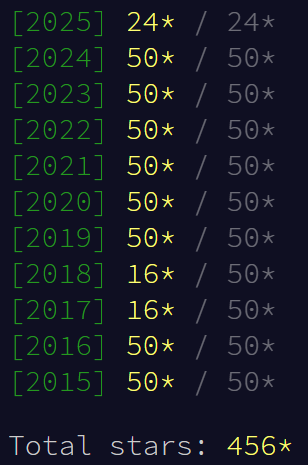
I still have some puzzles to finish up from 2017 and 2018. Maybe next year I’ll find time to finish those.